Top 5 External Vulnerability Scanners for Internet-Facing Assets in 2026
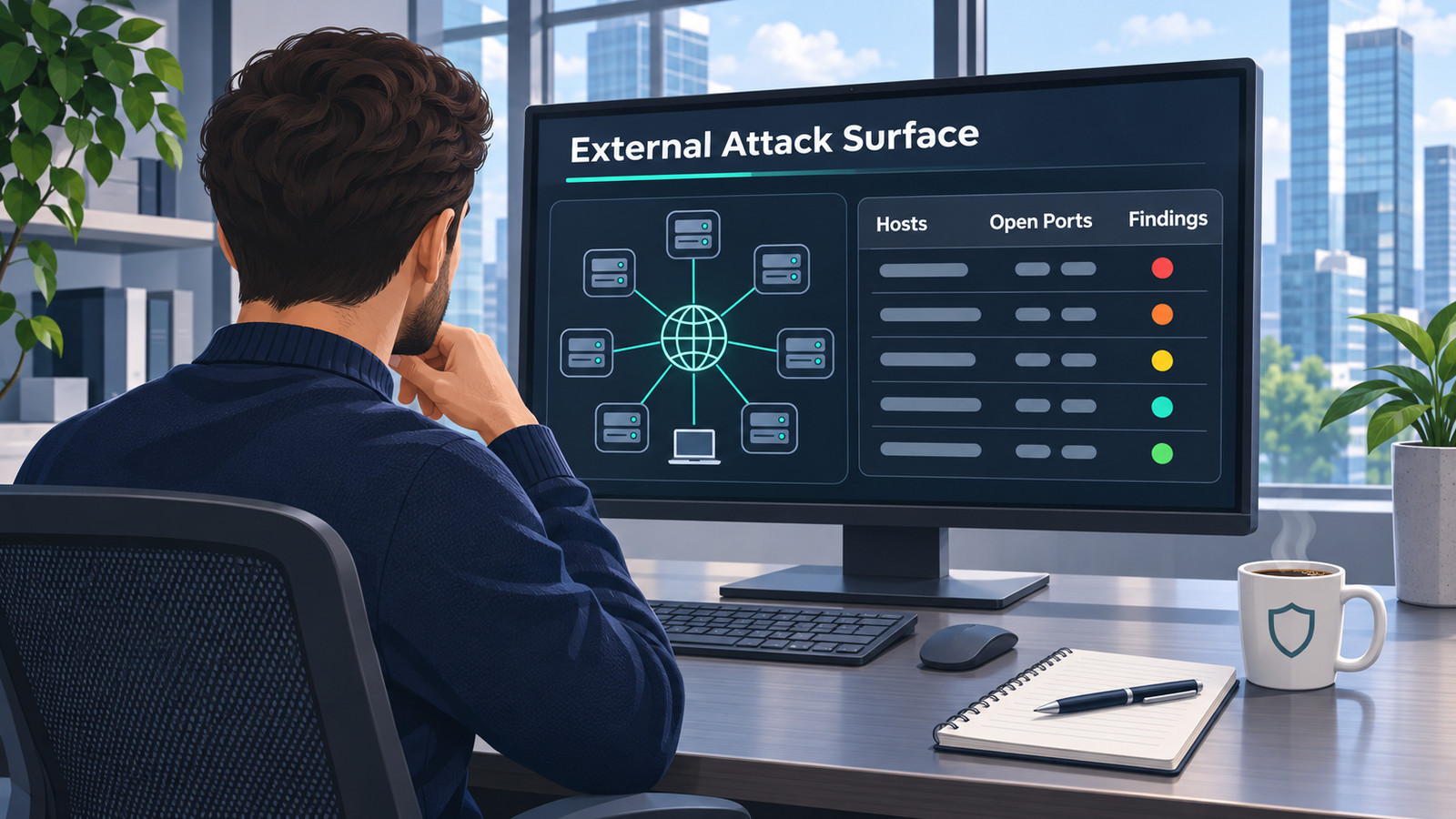
A developer spins up a staging host on a Friday to test a release. Nobody adds it to the inventory, a certificate gets issued automatically, and by Monday it is answering on the public internet with a default admin page. An internal scan will never see it. Neither will a scanner that only works from a list of known IPs.
External vulnerability scanners start from the attacker’s side and test what can be reached from outside, with no agent or inside access. The five below differ in how they find hosts you forgot, how much they test once they find them, and what they hand you afterwards.
What to Check Before You Compare
Discovery comes first. Ask whether the tool can start from a root domain and work outward, or whether it needs you to type in every IP. Certificate transparency logs and DNS records surface names that no spreadsheet lists.
Then look at what it does with an open port. A port becomes a problem when the service behind it is outdated, misconfigured or reachable by more people than it should be. A good scanner names the service and version, then tests them.
Active tests send real traffic, so check what runs by default and what needs your approval. Also read one sample finding before you buy. If an engineer can’t confirm it without reproducing the whole scan, the triage is still yours.
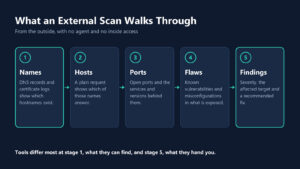
Everything below is taken from vendors’ public pages as of November 2026. It compares documented features and doesn’t test detection, and prices stay out because they depend on the number of assets.
The 5 Best External Vulnerability Scanners
1. Detectify for Forgotten Subdomains
A CNAME still points at a cloud resource that was deleted last year. Anyone who claims that resource now controls a subdomain of yours.
Detectify is built for this kind of sprawl. Add a root domain, an IP range or a DNS connection (AWS, Azure, Google Cloud and Cloudflare among them), and Surface Monitoring builds its subdomain list from certificate logs, DNS enumeration and brute-forcing. It checks around 8,500 ports per IP and rechecks 80 and 443 every 24 hours.
Its tests come from a community of ethical hackers, which suits flaws that have no CVE yet. Detectify says 99% of the vulnerabilities it has found over the past three years have none, though that is its own data. You can also write IF-THEN rules, so a policy such as “no new hosting provider without review” runs against every asset it discovers.
Best for SaaS companies with many subdomains. Deeper web app testing is a separate product, Application Scanning, with its own price.
2. Intruder for New Flaws Between Scans
A critical CVE lands on a Tuesday, and the next scheduled scan runs on Sunday.
Intruder answers that gap with emerging threat scans, triggered by the disclosure of a major flaw. It also runs daily port scans and starts a scan when something changes, such as a new cloud asset in a connected AWS, Azure, Google Cloud or Cloudflare account. The attack surface view lists every monitored port with its service and version, plus a screenshot of each web service, and it flags things that shouldn’t be public, such as a database or an old admin panel.
Best for teams with changing cloud estates that want little setup. Check the plan before relying on those features: the free tier scans weekly and watches just ports 80 and 443, and those event-driven scans start on a paid plan.
3. Topscan.me for Teams That Want to Approve Active Checks
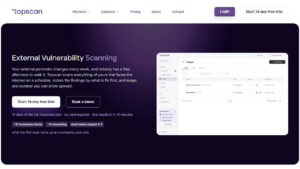
Whoever signs off on the scanner also gets the call if production goes down, so they want to know what it sends first.
Topscan.me splits the job in two. Discovery reads public certificate logs and DNS and sends each host a single HTTP request, then reports the names that exist, which of them answer and what runs there. Nothing is port-scanned or tested until you add a host as a target. Targets get a port scan and checks for known CVEs in the services found. Deep web application testing, which sends real attack payloads for flaws such as SQL injection and XSS, is an opt-in switch for web targets, and the vendor’s help center suggests running it off-hours or against staging.
Findings arrive ordered from critical to low, each with the affected target, a recommended fix, a remediation deadline and the evidence behind it. The score from 0 to 100 drops only when an issue goes past that deadline.
Best for a CTO or DevOps lead who owns security among other things. It doesn’t scan internal networks, AWS is the only cloud it connects to, and alerts on attack surface changes come with the top plan. If you also hold the source code of a web app, the vendor sells a separate AI pentest that reads the code, attacks the running app and shows the real request and response behind each confirmed finding.
4. Tenable One Attack Surface Management for Mapping After an Acquisition
A deal closes, and nobody can list the domains that came with it.
Tenable’s product works from a map of more than 5 billion internet assets, so it can suggest domains related to the ones you already hold. Each asset carries more than 200 metadata fields to filter on, and you get notified about changes. From there you can start scans of assets that haven’t been assessed yet.
Best for organizations that already run Tenable. It sits inside Tenable One and is mainly about finding and sorting assets, so plan on the wider platform for scanning and remediation work.
5. Qualys EASM for Enterprise Inventories
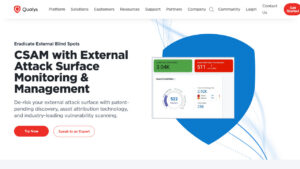
Security has a mature vulnerability program, and the gap is the assets it never received.
Qualys sells external attack surface management as part of its CyberSecurity Asset Management product. It looks for internet-facing assets from the outside, attributes them to your organization and shows how each one is discoverable, then runs vulnerability scanning on what it finds. The company claims 30% more assets discovered from mergers, acquisitions and subsidiaries, which is its own figure.
Best for enterprises with subsidiaries and an existing Qualys program. It’s more platform than a small team needs to find a forgotten staging host.
The Five Side by Side
| Tool | How it finds assets | What it tests | Best fit |
| Detectify | Certificate logs, DNS enumeration, brute-forcing, DNS connectors | Ports, payload-based tests, subdomain takeover | SaaS with many subdomains |
| Intruder | Domains, IPs and connected cloud accounts | Infrastructure checks, emerging threat scans | Changing cloud estates |
| Topscan.me | Certificate logs, DNS, one HTTP request per host | Ports, known CVEs, opt-in deep web tests on hosts you add | One owner who wants control |
| Tenable One ASM | Map of more than 5 billion assets | Scans started on unassessed assets | Existing Tenable customers |
| Qualys EASM | Outside-in discovery with attribution | Vulnerability scanning on discovery | Enterprises with subsidiaries |
A Two-Week Test Worth Running
Use a domain you own and are authorized to scan. Give each tool only the root domain on the first day and compare the hostnames it returns with your inventory. Every name you didn’t expect is a point for the tool and a ticket for you.
In the second week, create a test subdomain with a harmless web service and an open port, then note how long each tool takes to notice. That gap tells you more about a scanner’s value on your estate than any feature list, because the host that appears after the audit is the one that tends to get missed.
Frequently Asked Questions
How Is an External Scan Different From an Internal One?
An external scan tests what can be reached from the internet without access to your network. An internal scan runs from inside and sees laptops, servers and services behind the firewall.
Do External Scanners Need Credentials?
Not for the basic job. Discovery and most port and service checks work without them. Credentials matter when you want to test a web application behind its login, and not every tool on this list covers that on every plan.


